View command

Unobscured / Obscured
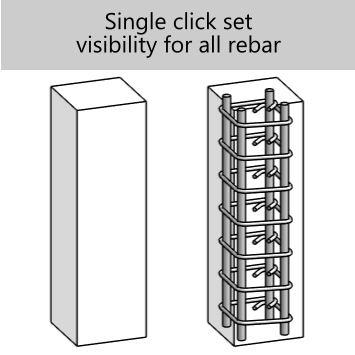
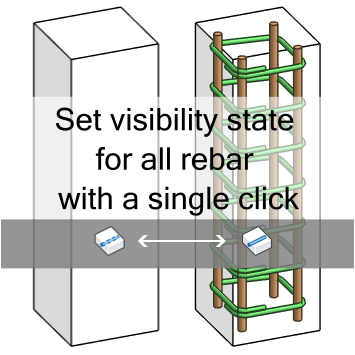
Toggle how selected rebar displays in the active view.
Change rebar presentation without digging through Visibility / Graphics or element properties.
What it helps with
Set selected rebar to show unobscured when the drawing needs clear reinforcement visibility.
Switch the same kind of display setting back when the view needs to return to normal presentation.
Keep the operation close to the ribbon instead of repeating the same view setup clicks.
Display states